I started my NAS server with HP Elitedesk 800 G3 SFF (i5 7th Gen), which served me great until I wanted to expand on it. No more space for HDDs/SSDs, proprietary PSU and irregular motherboard shape meant that I couldn’t even move it to another case. However, the idle power consumption on it is great, idling at ~20W with 2 HDDs spinning and 1 SSD.
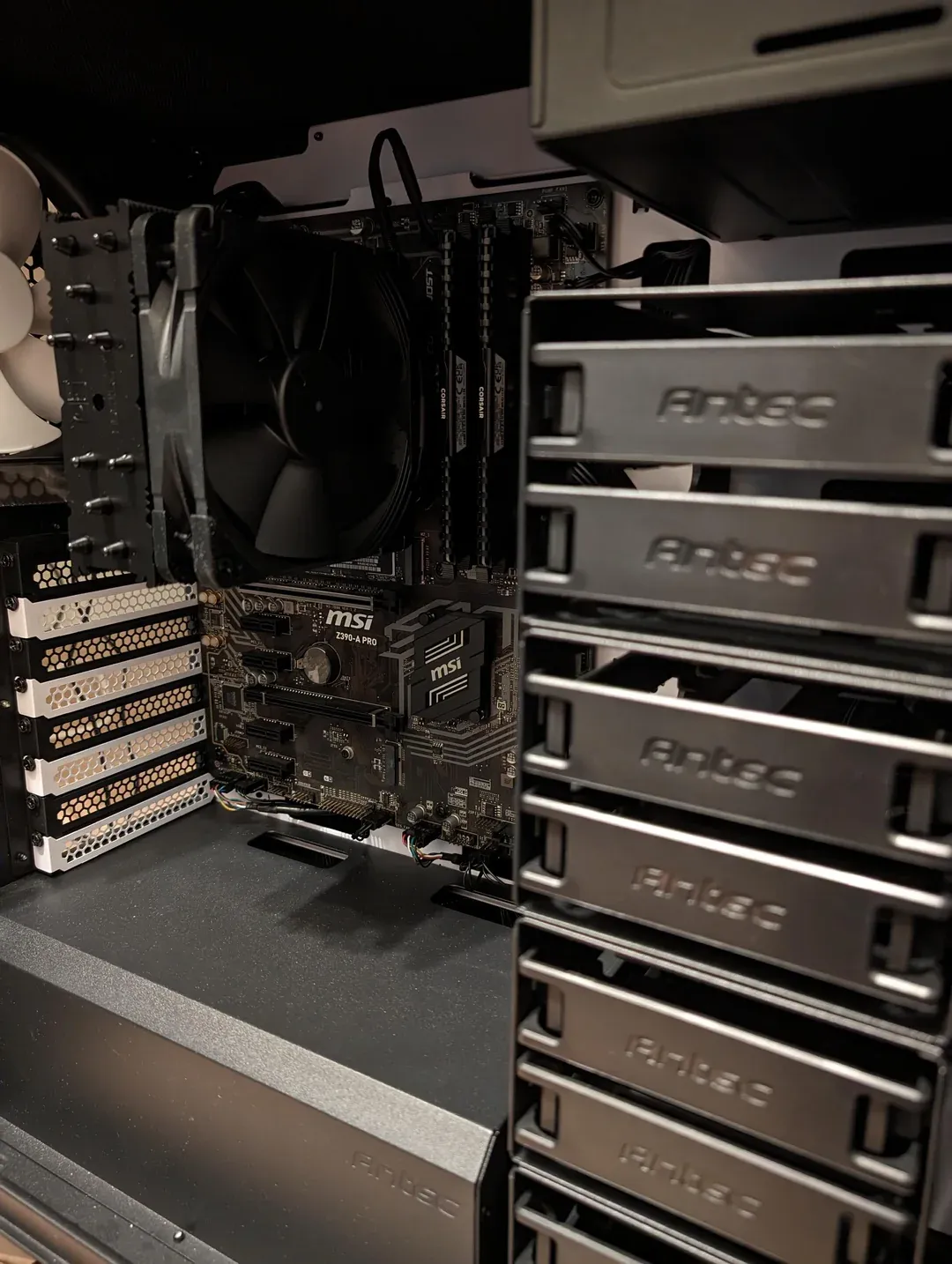
I ended up deciding to build a new one from scratch while aiming for similar idle power saving goals and more room for expansion
After lots of research, here’s the setup that I ended up with
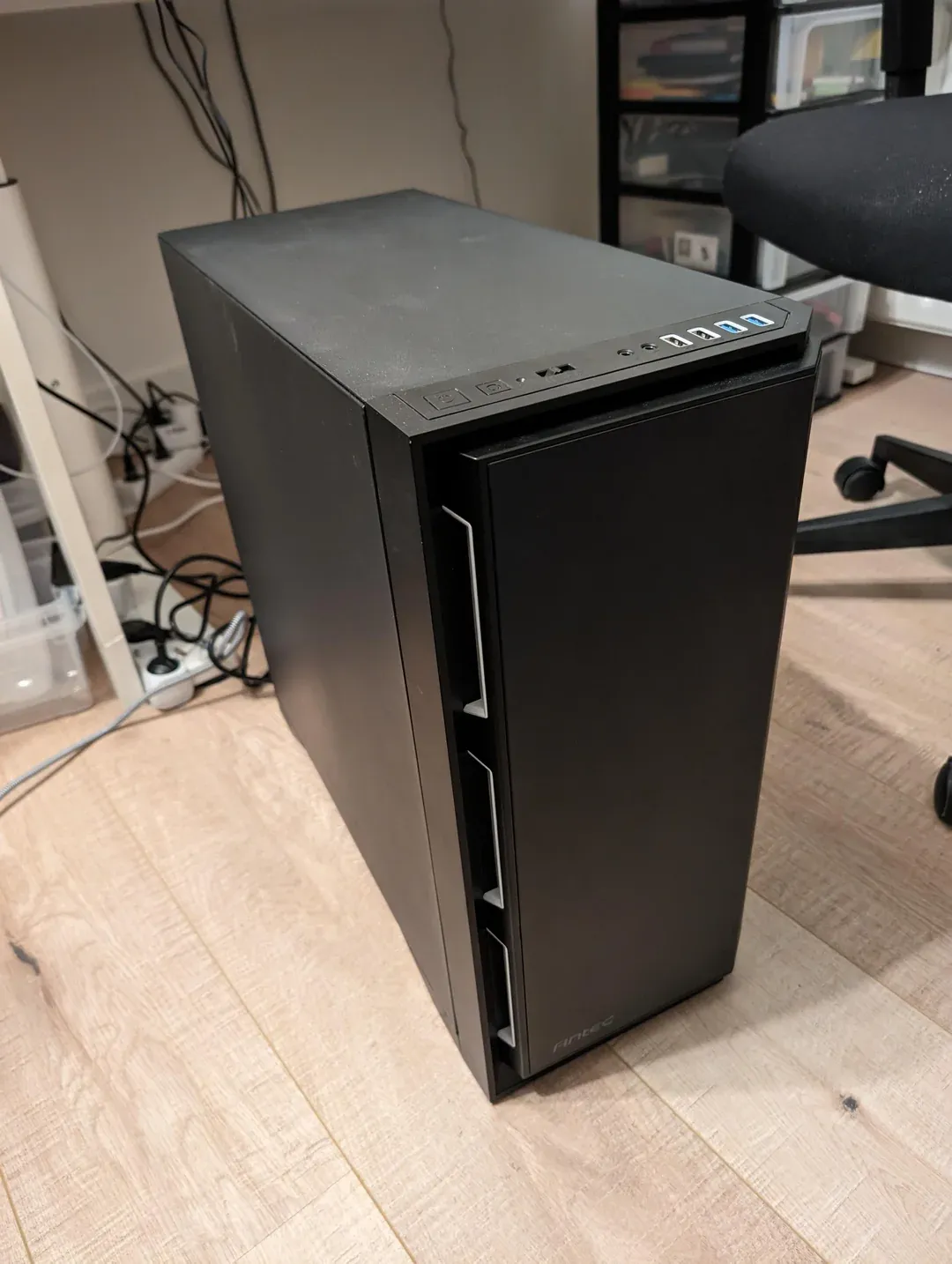
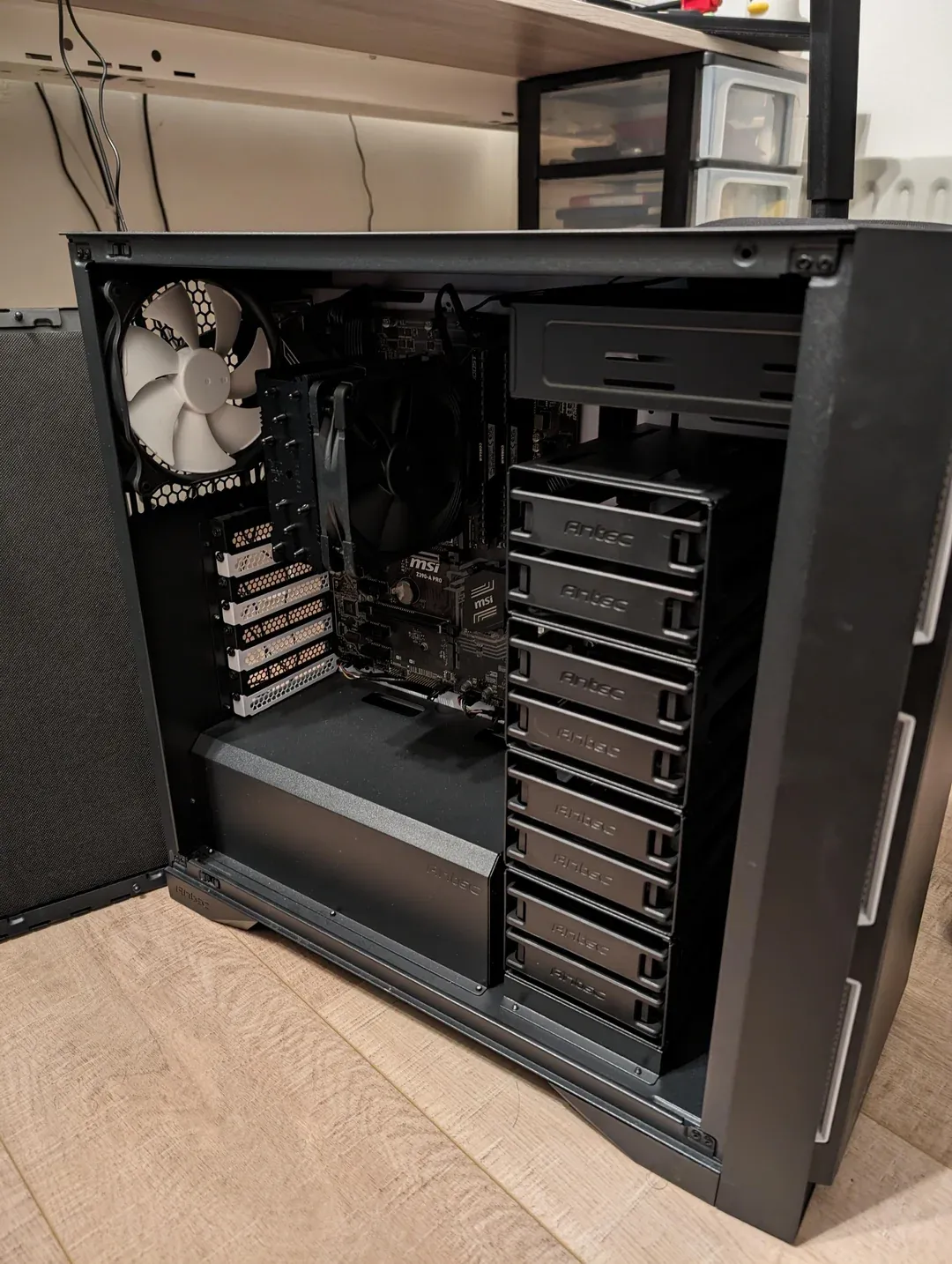
- Antec P101 Silent ATX Mid Tower Case
- Huge case with room for 8 HDDs + 2 SSDs
- It was either this or the Fractal Define 7/XL, but found the Antec second hand with a good deal
- Corsair RM750x SHIFT 750 W 80+ Gold
- RM550x is the gold go to for low power builds, but it was much more expensive to get it
- Carefully reviewed cybenetics PSU reviews and the RM750x was still doing well under low load
- As a plus, the PSU fan will probably never have to run
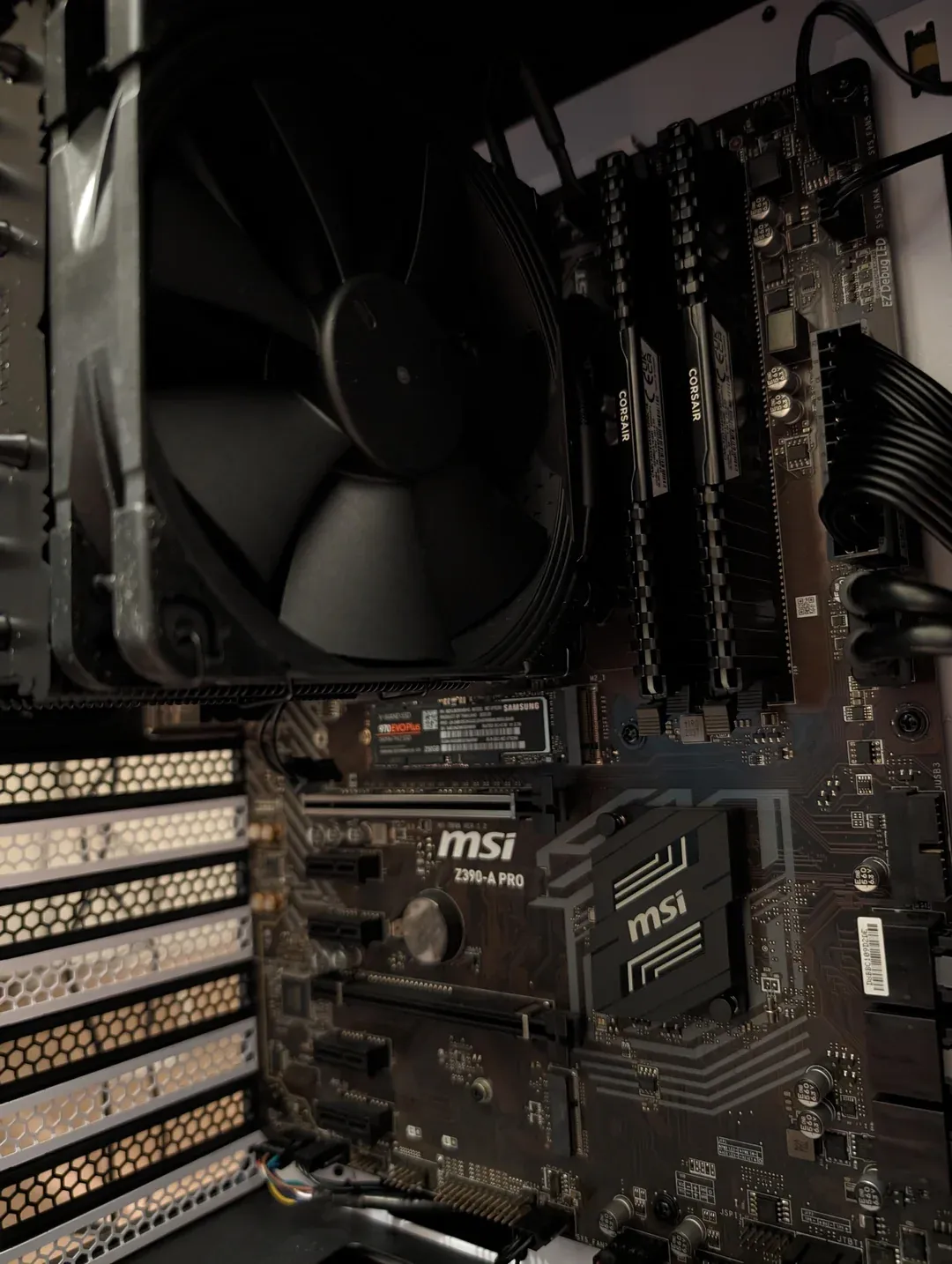
- MSI Z390-A PRO
- I wanted a motherboard with as many SATA ports as I could get to avoid having to install an HBA card which easily increased idle power by ~10W, and lots of them don’t support ASPM quite well and prevent the cpu from going into higher C states
- Eventually might need to add an HBA but when I have that many HDDs, I might as well accept the extra power from the HBA
- Motherboard and CPU were picked up together second hand
- Intel Core i5-8500
- I was aiming for i3/i5 7th Gen+, as I need an iGPU with QuickSync for Jellyfin HW transcoding and didn’t want to add a discrete GPU consuming more power at idle, so Xeon and AMD processors were not at the top of my list
- And as a bonus, 2 extra cores compared to my current 7th Gen
- Corsair Vengeance LPX 32 GB (2 x 16 GB) DDR4-3200 CL16
- Not ECC I know, but couldn’t find a processor that can both support QuickSync and ECC
- The mistake I made, was that I really didn’t need 3200 as I ended up not running it with XMP to save ~1-2W of extra power consumption
- Samsung 970 Evo Plus 250 GB PCIe 3.0 X4
- Might be an overkill as I only need it as a boot drive for TrueNAS, but picked it up specifically as it has good support for ASPM
- Noctua NH-U12S chromax.black
- This one is definitely an overkill, but looks cool and I can later reuse it if I upgrade to a higher TDP processor
BIOS Tweaks for Low Power
- Native ASPM: Enabled (Important)
- PEG0 - ASPM: ASPM L0sL1 (Not sure if it affects anything other than PCIE x16 slot)
- Native ASPM: Enabled (Not sure if it helps)
- Intel C-State: Enabled
- C1E Support: Enabled
- Package C State Limit: C10
- Disabled HD Audio Controller/COM/LPT
- Disabled SATA* Hot Plug (Prevents Pkg from going beyond C3 increasing idle by more than 10W)
- Case fans running at variable speeds based on CPU temp
And of course last but not least running powertop --auto-tune which only helps with less than 1W of reduction
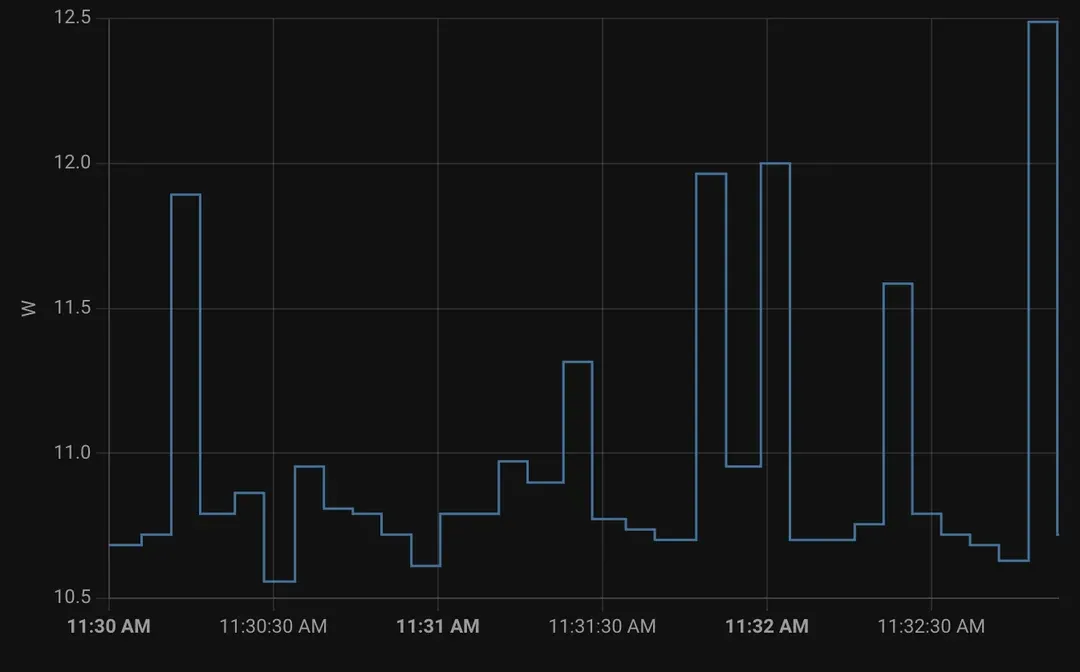
Before enabling all those tweak, the system was idling at ~27W. Currently the system is idling at ~11W (No HDDs, no workload, just TrueNAS Scale) chilling between Package C8/C9 which I would call a win. I’m guessing once I add the 2 HDDs and the SSD, the idle will be just slightly more than the 20W I was getting with the 800 G3, but that’s acceptable for all the extra stuff that I get from this build.
Some very helpful resources I used for this build
- 7 watts idle on Intel 12th/13th gen: the foundation for building a low power server/NAS
- The Curse of ASPM
- In the pursuit of low-power consumption NAS with alder lake (12th gen)
- Unraid - Reduce power consumption with powertop
Update
Plugged in the HDDs/SSD and migrated TrueNAS Scale configs as well as all apps/containers and currently the system idles at ~26W
Build Cost & Rationale
The cost is round 560€ (Part List), and the main reason why not to go with an all in one system is that I didn’t want to be limited once again if I wanted to expand my system. Also considering it’s a combo of NAS and Containers host, 4GB is far from enough for running, my system, even 16GB was not and needed to use swap.
In a couple of years, if I need to upgrade my system, I can just swap the mobo/cpu and all the other components will stay as is. I can also add any PCIe cards I want later depending on my future usage use cases
One Year Later
I would definitely want to run the apps separately from TrueNAS, I’m still on the k3s version with TrueCharts and procrastinating the major migration to compose. Either on a different machine or explore running TN on top of Proxmox and run the apps on their own VM and share the storage through nfs or something
I would make sure to encrypt my drives and/or the volumes, so I can RMA peacefully, I had one of the two ssds mirror fail on me and couldn’t RMA cuz I didn’t want to risk any data leaks
And on that topic, I think I might try to invest in better ssds, or just a different brand than the Crucial ones I have, as I have yet another one showing some signs of degradation
I would probably also want to give unraid a try as it makes it easier to expand the storage afaik without having to buy the disks in bulks (or in my case duos for mirrors). I know zfs/tn also introduced a similar feature in newer versions but I haven’t tried it yet since I still didn’t get to upgrade due to the first point
The case I have is on the bulky side, while I don’t mind it, I think I might have been able to down size it a bit but tbh I’m happy with the one I have, mainly in terms of noise suppression, cooling and expansion options
I might want to add another mirror for boot just for the peace of mind, but there isn’t a lot of activity on it so it should be safe for now. I just need to occasionally backup TN configs just in case